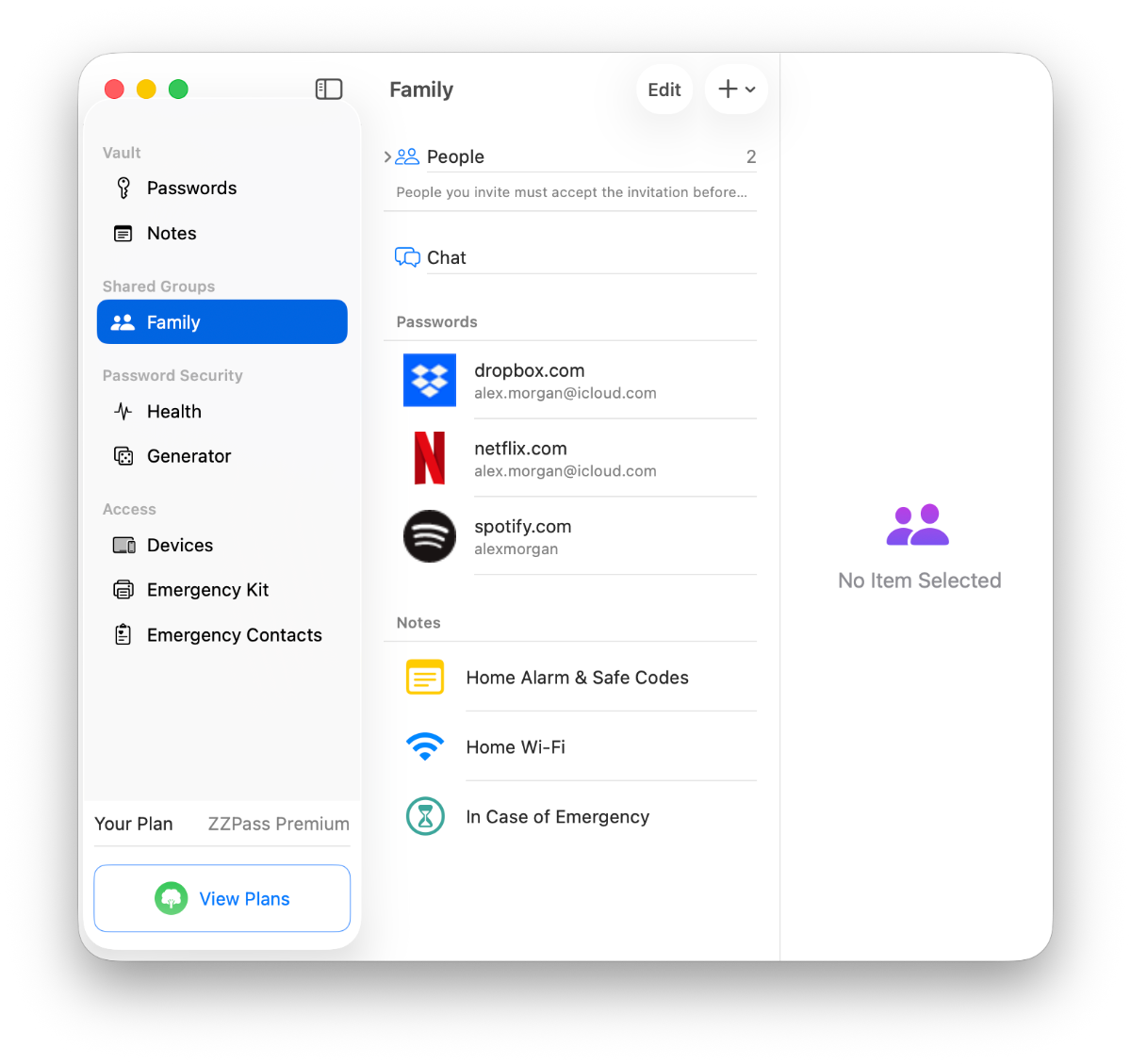
What happens if I remove someone from a shared group?
The group's encryption key rotates automatically. The removed person immediately loses access to the shared vault. Nothing is kept in their copy. Any change re-encrypts everything under the new key, so they can't read new or existing passwords going forward.
Can shared members edit passwords?
It depends on their access level. Members granted read + write access can view and edit the passwords and notes in that group, and their changes sync to every member automatically through iCloud. Read-only members can view and use the items, but can't make changes.
Does every family member need a ZZPass account?
Yes. Each person needs their own ZZPass account with their own primary password, that's what makes end-to-end encryption work. Everyone has their own encryption keys, so no one (not even us) can read someone else's vault.
Is there a limit to how many people can be in a group?
Yes, up to 25 people per group. Each person receives their own encrypted copy of the group key. A couple, a four-person family, or three generations under one roof, all work the same way.
What are TimeCapsules?
TimeCapsules let you share passwords and secure notes that unlock on a specific date, or after a waiting period of inactivity. Designed for digital inheritance, making sure your loved ones can access important accounts if something happens to you.
What platforms does ZZPass support?
iPhone, iPad, and Mac, with native apps for each. Android support is on the roadmap.
Is family sharing free or premium?
Sharing is available to everyone. Free accounts can create one shared group; premium unlocks unlimited groups.