The ZZPass original
Send a message
to the future.
ZZPass TimeCapsule lets you lock away encrypted notes that open only when the time is right, for yourself, or the people you trust.

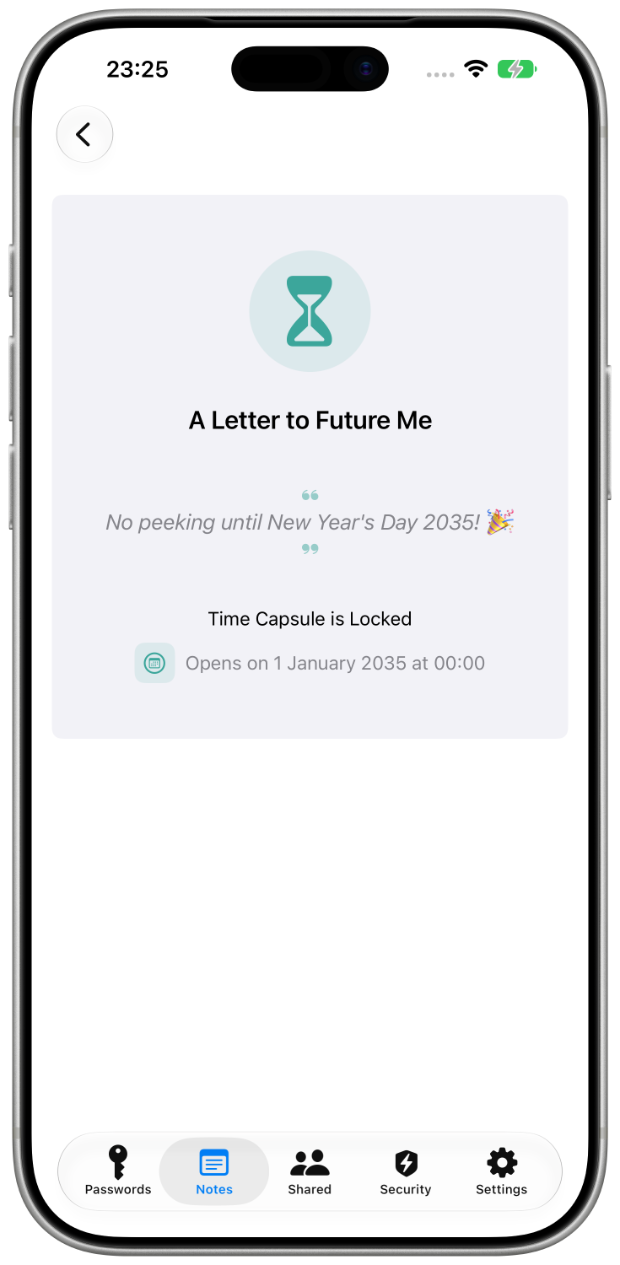
ZZPass TimeCapsule lets you lock away encrypted notes that open only when the time is right, for yourself, or the people you trust.
Write something worth keeping. Choose when it should be read. Decide who, if anyone, gets to read it.
Write a private note, a letter, a secret, account details, a memory, and choose when it unlocks.
Set an unlock date or choose an inactivity period (30 days to 5 years). Your content is encrypted and hidden until the condition is met.
Keep it entirely to yourself, or share it with a trusted group, you choose who, if anyone, gets to open it.
Pick a date when you already know the moment. Pick inactivity when you don’t, and want the capsule to open only if you’re no longer around to open it yourself.
Need someone to reach your whole vault, not just one note? See Emergency Access →
Whatever you write stays unreadable to everyone, including us, until the moment you chose.
Only you and your chosen recipients can read the content. Private capsules never reach our escrow at all, and for shared ones the escrowed key is sealed to your recipients' keys, we can't unwrap it, and we never hold your notes or attachments.
Show a personal note while the capsule waits, "You'll understand when the time comes." A small kindness for the wait.
Recipients keep their own sealed copy, so a capsule they were given still opens for them later, no dependency on the group staying in place.
Recipients get a gentle notification the moment a capsule unlocks, wherever they are, on whichever Apple device is closest.
A capsule you keep to yourself never goes near the escrow. It stays in your own vault. But a shared capsule has to be able to open for someone else, even if your phone is off, replaced, or gone. For those, ZZPass runs a small escrow that holds two things: the capsule's key and its release condition: a date, or a period of inactivity.
Your content never reaches the escrow, and the key it holds is sealed to your recipients' own keys before it's sent. The copy we hold is useless to us: we can't unwrap it, can't read what it protects, and can't release it early. When the moment comes, the key is released and only your recipients can open it.
A small celebration when a TimeCapsule comes due, for the writer, the reader, or both.
A few things people are putting in their first TimeCapsule.
Write a letter to yourself one year from now. Predictions, hopes, the questions you're sitting with.
Store important account details that unlock if you're inactive for six months. Your family will know what to do.
Schedule a birthday or anniversary message for someone special, and forget you ever wrote it.
Leave messages for the people you love, protected until the right time. They'll hear from you when it matters.
RELATED HELPAccount recoveryAbout ZZPass
TimeCapsule is included with ZZPass. iPhone, iPad & Mac.